
01
Keep paragraphs
Use this for copied articles, PDF pages, emails, and notes. Single hard wraps become spaces while blank lines stay as paragraph breaks.
Good fit: a document or email that looks like one sentence per line after copying.
Line Break Remover joins text broken across short lines. Keep paragraphs marked by blank lines, or turn the whole passage into one line.
Review lists, addresses, poetry, and code before copying: their lines will join too. Words split by a hyphen keep that hyphen. Missing paragraph boundaries cannot be inferred.
Site privacy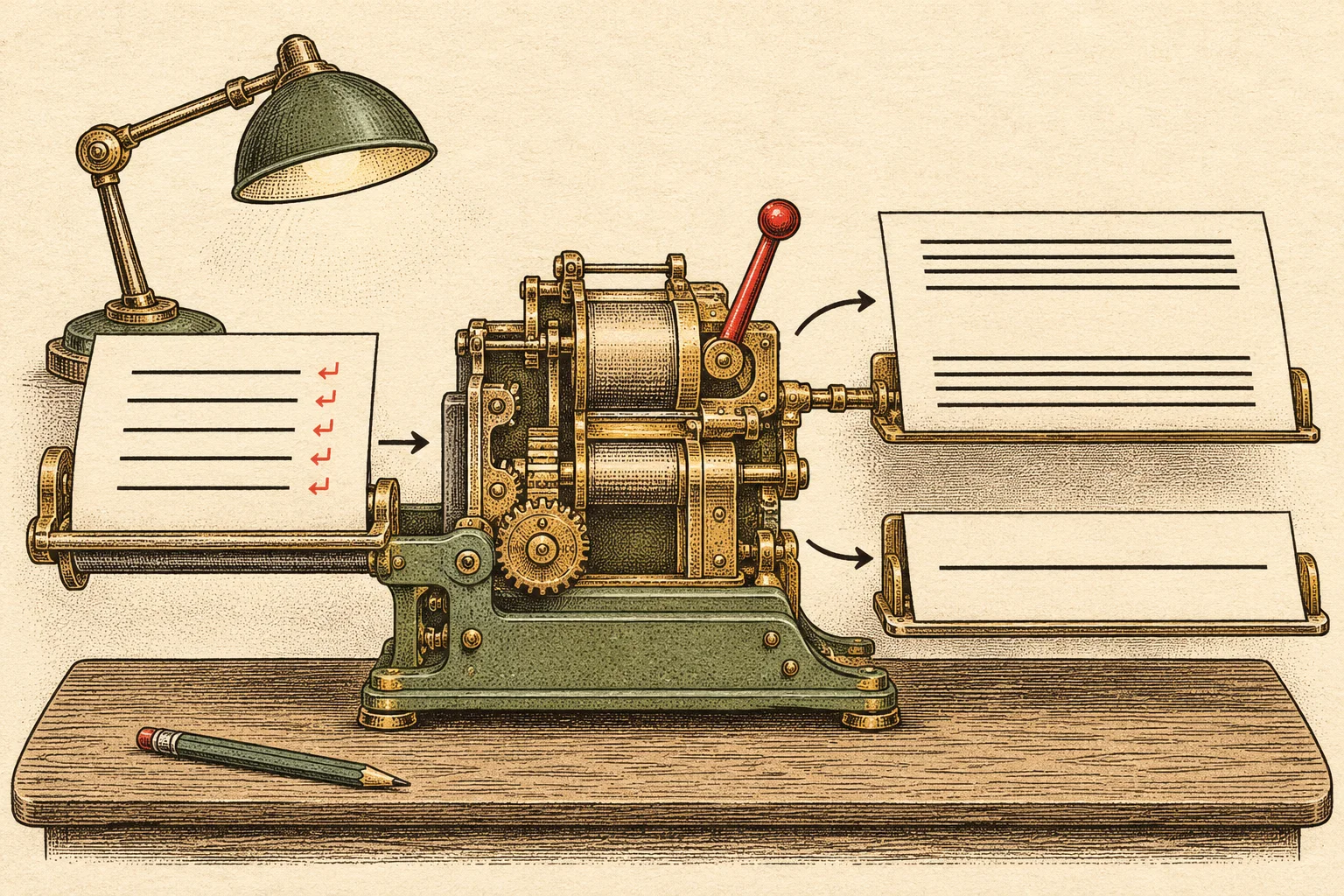
Line Break Remover replaces stored newline characters with spaces. In Keep paragraphs mode, an empty line separates paragraphs; a single newline simply joins the surrounding words. In One line mode, every break becomes a space.
A line that wraps because your screen is narrow is different: it contains no newline to remove. The result can still wrap on screen while remaining a single stored line.
Line Break Remover uses the same original input in both modes. Choose the destination first, then switch and compare before copying.
01
Use this for copied articles, PDF pages, emails, and notes. Single hard wraps become spaces while blank lines stay as paragraph breaks.
Good fit: a document or email that looks like one sentence per line after copying.
02
Use this for a search box, CMS field, prompt, spreadsheet cell, or any destination that needs one continuous plain-text value.
Good fit: a passage that must paste into one field without stored newline characters.
Copy text from a PDF viewer, email, or document. Paste it above, or open a UTF-8 .txt file up to 1 MiB.
Keep paragraphs retains blank-line boundaries. Choose One line when your destination needs a single continuous passage.
Run Line Break Remover. Check the result, then copy it or download TXT. Switching modes recalculates from your original text.
This copied email has hard breaks inside sentences and one blank line between paragraphs. The outputs below are produced by the same rules as the tool.
Please review the draft before Friday.

Send your notes when you are ready.
Please review the draft before Friday. Send your notes when you are ready.
Please review the draft before Friday. Send your notes when you are ready.
↵ marks a stored line break. A blank line contains two breaks. The markers explain the example and are not added to your output.
This tool changes line boundaries and their adjacent ordinary spaces or tabs, and trims those characters at the start and end. It keeps the rest of the text as written.
| In your text | What happens |
|---|---|
| Single line break | Becomes one space in either mode. The words on each side stay separate. |
| Blank lines or Unicode paragraph separator (U+2029) | Become one blank line in Keep paragraphs, or one space in One line. A blank line may contain spaces or tabs. |
| Windows CRLF, Mac CR, LF, Unicode line separator (U+2028) | Are treated as line breaks. The output uses LF for any retained paragraph boundaries. |
| Quotes, punctuation, emoji, URLs, and Markdown | Stay in the text. This page does not strip HTML, remove accents, or rewrite words. Interior spaces and tabs stay too. |
| Lists, code, addresses, and hyphenated words | Follow the same joining rule as prose. List and code lines are not protected; a line ending in a hyphen keeps the hyphen. |
Copy the text out of the PDF viewer or Word document and paste it into Line Break Remover. Direct PDF and DOCX files are not supported. You can open one UTF-8 .txt file instead, up to 1 MiB. Scanned pages need text extraction or OCR before using this tool.
Keep paragraphs recognizes an empty line between paragraphs, including a line containing only ordinary spaces or tabs. If your source has only one newline there, add an empty line to the original input and run again. The tool cannot tell whether a single newline was intentional.
It is free with no account or paid tier. Text conversion and file reading run in your browser tab. This tool does not upload your text or save it to browser storage. The site still makes requests to load pages and images and may use analytics as described in its privacy policy.
Your browser wraps long text to fit the result box. That visual wrapping does not add newline characters. In One line mode the copied text and TXT file contain no line breaks, even if the preview wraps on your screen.
This page joins pasted text; it does not edit a Word document or Excel workbook. Removing stored newline characters is different from changing paragraph spacing or document styles. Copy the passage here when plain-text output is what you need, and review it before pasting back.
Download TXT saves the output as a UTF-8 plain-text file. If clipboard access is denied, the result is selected for manual copying. Your original input remains available, and changing it clears the old result until you run the tool again.
For Word and Docs formatting controls, read the formatting guide.