
01
Keyword and SEO lists
Exported keyword tools repeat head terms across tabs and filters. Dedupe keeps the list honest before it reaches a tracker or a brief.
Duplicate line remover that works in your browser: paste a list, choose which copy survives, run it, and copy the clean list. Free, no login, nothing leaves your device.
Lines are compared with trailing spaces and tabs stripped, so "line" and "line " count as the same line, while visible indentation keeps lines apart. Blank lines compare like any other line, so a run of blank lines collapses to one. Removed duplicates take their line breaks with them, so no empty gaps remain, and the order of the remaining lines never changes. Nothing in your text is uploaded.
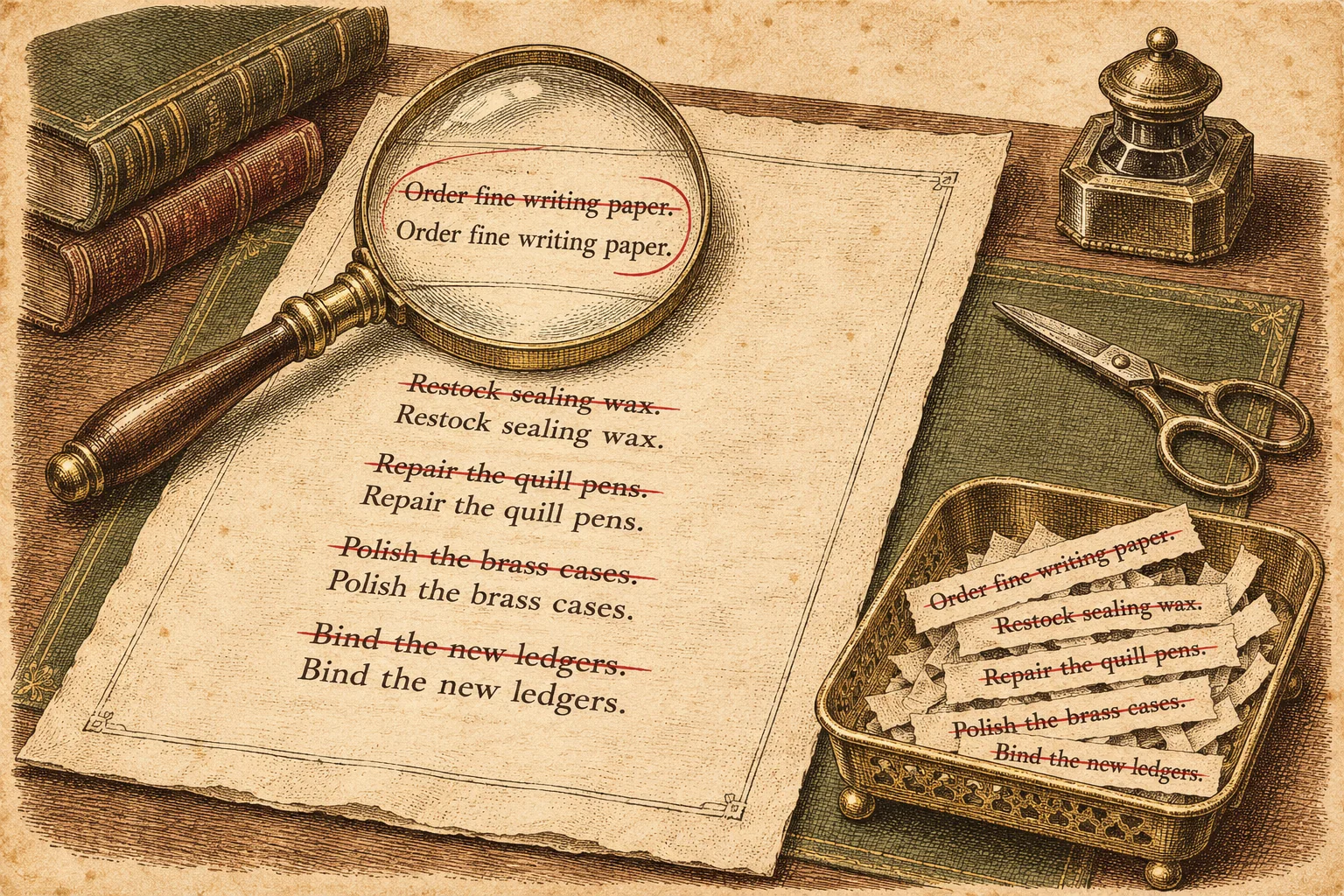
How this site handles dataA pasted keyword list with exact duplicates, a trailing-space variant, and a capitalization variant, run through the duplicate line remover in all three modes. Red marks removed lines.
keyword research tool
keyword tracker
keyword research tool
Keyword Research Tool
serp checker
keyword research tool
rank tracker
keyword research tool
keyword tracker
Keyword Research Tool
serp checker
rank tracker
keyword tracker
Keyword Research Tool
serp checker
keyword research tool
rank tracker
keyword research tool
keyword tracker
serp checker
rank tracker
Every output is computed from the same original by the duplicate line remover engine this site ships; your input is never modified until you run the tool.
Most duplicate line removers delete silently: you paste a list, something shorter comes out, and you trust it worked. This one shows its work. Every removed line is listed in the Removed tab where it stood, the comparison rule is written out in the table below, and the survivor rule (first, last, or case-insensitive) is a choice you make, not a default you discover.
The comparison is trailing-space aware, the very variant that survives naive dedupe tools, and removed lines take their line breaks with them so the clean list stays tight. For joining wrapped sentences instead of deduplication, use the Line Break Remover; for doubling spaces inside lines, the Whitespace Remover.
The duplicate line remover compares lines by one transparent rule: trailing spaces and tabs are stripped before comparison, and the mode decides which copy survives. This table is the exact behavior of the tool above, pinned by this site's automated tests.
| Input pattern | Example | Behavior |
|---|---|---|
| Exact duplicate lines | list
list | later copies removed (Keep first) or earlier copies removed (Keep last) |
| Trailing-space variant | list
list | duplicate: the trailing space is stripped before comparison |
| Indented line | list
list | distinct: leading indentation is visible and keeps lines apart |
| Capitalization variant | Line
line | distinct in Keep first and Keep last, duplicate in Ignore case |
| Blank line run | a
b | collapses to one blank line (first or last copy survives) |
| Unique lines | z
y
x | kept, in original order, exactly as typed |
Kept copies render exactly as typed, trailing spaces included. Removed duplicates take their line breaks along, so the clean list has no empty gaps, and line order is preserved in every mode. Leading indentation is visible, so indented lines stay distinct. CRLF pastes behave like LF.
Paste the list, or open one .txt file up to 1 MiB. The file is read in your browser and never uploaded.
Keep first for the original order, Keep last when the newest entry is the good one, Ignore case when capitalization varies. Switching after a run recomputes from your original input.
Copy the clean list anywhere, or download it as a .txt file. The Removed tab lists every duplicate line that was stripped, in place.
Duplicates rarely come from typing the same thing twice. They come from merging sources, and every one of these jobs ends pasted into a field that wants unique lines.
01
Exported keyword tools repeat head terms across tabs and filters. Dedupe keeps the list honest before it reaches a tracker or a brief.
02
Recurring log lines and merged exports repeat identical rows. One pass leaves a single copy of each event line.
03
Signups merged from forms and spreadsheets carry doubles. Clean the column before the next send.
04
AI answers and meeting notes repeat bullet points. Keep one copy without losing the order you wrote.
Paste the list into the duplicate line remover above, keep the default Keep first mode, and press Remove duplicates. Copy the clean list or download it as a .txt file. It is free, needs no account, and the whole dedupe runs in your browser.
You choose. Keep first keeps the earliest copy of each line and removes later repeats. Keep last keeps the latest copy and removes earlier repeats, which suits logs and signups where the newest entry is the one to keep. In both modes the surviving lines stay in their original positions.
Only in Ignore case mode, which compares lines after lowercasing them. Keep first and Keep last compare exactly, so capitalization variants survive as separate lines. Whitespace is the opposite: trailing spaces and tabs are always stripped before comparison, because they are invisible.
They differ somewhere invisible or visible. Leading indentation keeps lines apart, because indent is visible meaning. If neither line has leading spaces, paste into a tool that shows characters, or run the text through the Whitespace Remover first; hidden characters are the usual culprit and that tool reports every one it changes.
Blank lines are compared like any other line, so a run of blank lines collapses to one, in whichever position the mode keeps. A single blank line between paragraphs passes through untouched, and blank lines at the very start or end of the text are dropped entirely.
Yes. The Removed tab lists every removed line in place, labeled as a duplicate, so you can verify exactly what the duplicate line remover stripped before trusting the output. Think of it as a duplicate line checker built into the remover.
No. The duplicate line remover preserves the original order of every surviving line. If you need sorted output, paste the clean list into a spreadsheet or editor and sort there; the tool does one job without surprises.
All three can do it: Excel has Remove Duplicates on the Data tab for columns, Notepad++ via TextFX or regex, VS Code via sort-and-dedupe commands or extensions. Those routes change files in place. The browser route here fits one-off pastes: copy the column or block, run it, paste back. Nothing is installed and nothing is uploaded.
For Word and Docs formatting controls, read the formatting guide.
Joined lines that repeat? Line Break Remover is for wrapped sentences; Duplicate Line Remover keeps one copy of each line. Duplicates gone but doubled spaces left inside lines? Whitespace Remover collapses runs to single spaces. Unique lines but stray empty gaps between them? Remove Blank Lines deletes or collapses them.