
Em Dash Remover

Em Dash Remover replaces every em dash, en dash, and dash lookalike in your text with a plain hyphen, a comma, or nothing at all. Paste, pick a replacement, run once, and copy. Everything runs in your browser, and your original text stays untouched.

Choose the replacement

Hyphen keeps one space on each side that had one. Comma joins both sides as a comma and a space. Delete drops the dash and keeps one joining space. Number ranges like 2013–2024 become plain hyphens in every mode.

UTF-8 .txt or .md file · 1 MiB maxFree · runs in this tab · no text storage
Before you copy

Review lists, prices, and dates before copying: number ranges become hyphens, and a comma can change how a sentence reads. Your original text is never modified, so you can always run another mode.

Site privacy

Why writers remove em dashes

An em dash is the long pause that AI chatbots lean on. ChatGPT, Claude, and Gemini reach for it far more often than human writers do, so writing full of long dashes now reads as machine-made to many editors. Removing them is a quick style fix before you publish, submit, or paste text somewhere that only wants plain punctuation, and this em dash remover does the swap in one pass.

The same job comes up away from AI text. Long dashes break CSV columns, slugs, and older form fields that accept ASCII only, and plain style guides ask for hyphens instead. If your text also carries markdown markers, curly quotes, or invisible characters, the AI Text Cleaner handles the whole bundle in one click.

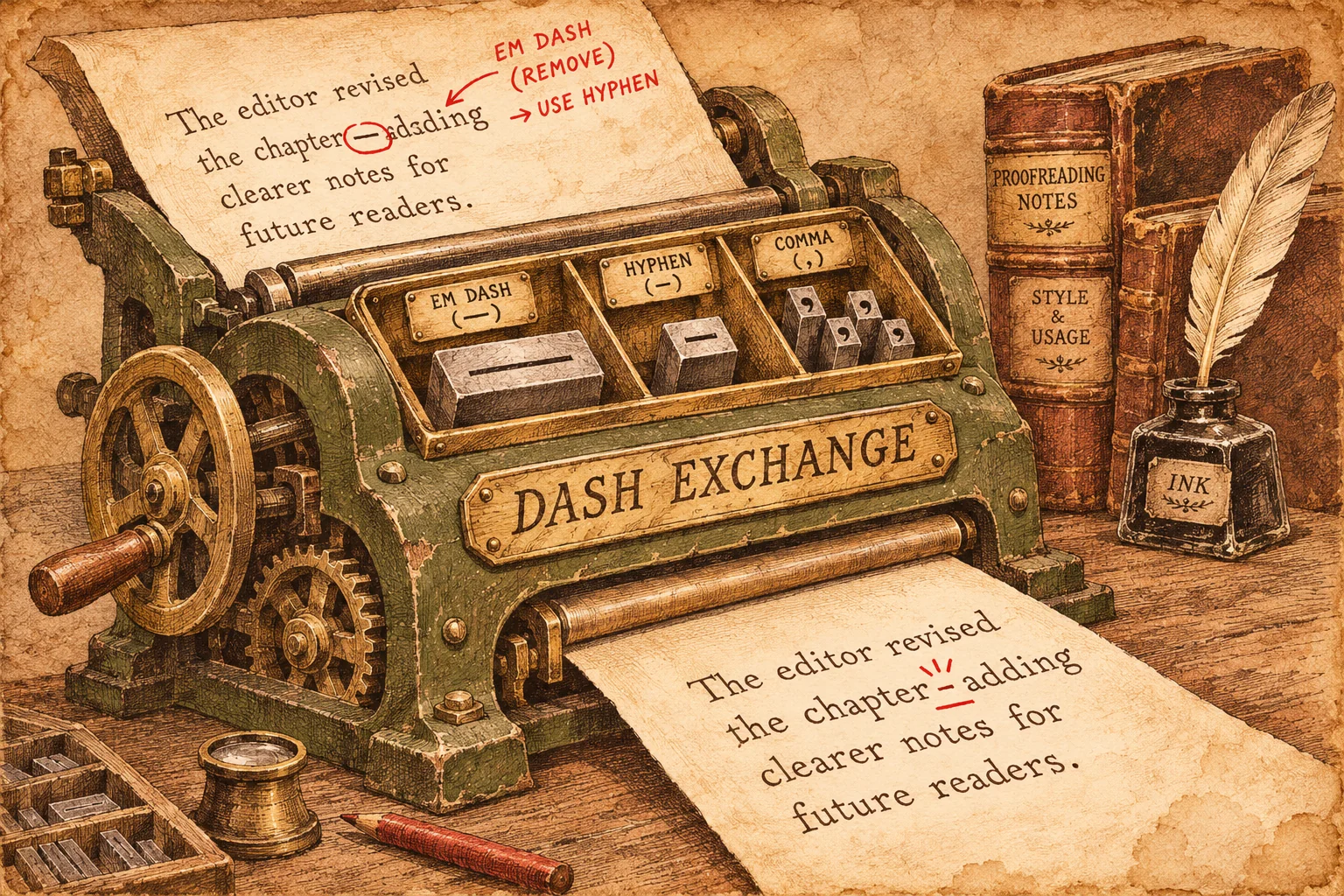
Illustration for the Format Remover em dash remover: a proofreader's print-shop bench where long em dash type slugs are pulled from a composed line of text and exchanged for short hyphen and comma slugs in a brass tray
The em dash remover as a print-shop job: long slugs out, short hyphens in.

Which dashes the em dash remover touches

One em dash is really a family of lookalike characters. This table lists every character the em dash remover replaces and what happens to it, so nothing changes by surprise.

CharacterWhat happens to it
Em dash — (U+2014)Follows your chosen replacement, together with the spaces around it
En dash – (U+2013), spacedFollows your chosen replacement, like the European spaced dash
En dash – (U+2013) in rangesBecomes a plain hyphen in every mode: 2013–2024 turns into 2013-2024
Horizontal bar ― (U+2015)Follows your chosen replacement
Two-em dash ⸺ (U+2E3A)Follows your chosen replacement
Three-em dash ⸻ (U+2E3B)Follows your chosen replacement
Hyphen lookalikes ‐ ‑ ‒ - (U+2010, U+2011, U+2012, U+FF0D)Become plain hyphens, one for one, in every mode

Never touched

Plain hyphens (well-known), double hyphens (n--n), the math minus sign (−1), and every other character pass through byte for byte. Only the characters in the table change.

What the dashes become

Three replacements cover the ways writers actually use an em dash. Each card shows a real sentence converted by the em dash remover itself, so you can pick by result.

01

Hyphen (-)

The closest stand-in. One space stays on each side that had one, so a spaced pair keeps its rhythm with ASCII only. The default for forms, plain-text fields, and any system that rejects long dashes.

The launch — planned for March — slipped twice.
The launch - planned for March - slipped twice.

02

Comma (,)

The clause joiner. Both sides pull together into one sentence with the pause spelled out, which is what most AI dashes were silently standing in for. Best for prose you will edit further.

The verdict — unexpected but final — closed the case.
The verdict, unexpected but final, closed the case.

03

Delete

The minimal cut. The dash and its spaces collapse to one joining space, and nothing new takes their place. Suits headlines, lists, and fields where even a hyphen is noise.

Dash-free — by design — since day one.
Dash-free by design since day one.

In every mode, the em dash remover never adds a dangling comma or space at a line edge, and number ranges keep their hyphens.

How to remove em dashes

  1. 01

    Paste your text

    Drop text into the left box, or open one UTF-8 .txt or .md file up to 1 MiB. Try the sample button to watch the em dash remover work first.

  2. 02

    Pick the replacement

    Hyphen, comma, or delete. The hint under the selector states exactly how the spaces around each dash are handled in the mode you chose.

  3. 03

    Run once and copy

    Press Remove em dashes, open the Removed tab to see every dash replaced in place, then copy the result or download it as TXT. Your input is never overwritten.

Em dash vs en dash vs hyphen

An em dash (—) is the longest common dash and marks a strong pause or aside. An en dash (–) is a touch shorter and usually joins a range, like pages 12–30. A hyphen (-) is the plain ASCII character that joins words, as in well-known. Plain text rarely needs more than the hyphen, which is why every mode of this em dash remover treats it as the anchor and never touches the ones you typed.

MarkNameTypical use
—Em dashStrong pause or aside (U+2014)
–En dashRanges and pairs, like 2013–2024 (U+2013)
-HyphenJoining words, ASCII only (U+002D)

AI output blurs the three: chatbots mix em and en dashes freely, and one pasted paragraph can hold all of them plus curly lookalikes. That mix is why the em dash remover reports each character class separately on the Removed tab instead of assuming one dash fits all. For Markdown syntax around your dashes, the Markdown to Text converter AI Text Cleaner Emojis in the same text? Emoji Remover strips pictographs, flags, and ZWJ sequences in one run. Only the dashes need converting? Em Dash Remover replaces them in one run. Ranges like 2024-25 keep hyphens here; to drop the numbers themselves use the Number Remover.

Em dash remover questions

How do I remove em dashes from text?

Paste your text into this em dash remover, choose what each dash should become, and press Remove em dashes. The result appears beside your original, and the Removed tab marks every dash that was replaced so you can verify the edit before copying. The whole job runs in your browser, so nothing is uploaded.

Does removing em dashes make text pass AI detectors?

No. Detectors evaluate hundreds of signals, from word choice to sentence shape, and their verdicts swing both ways. Removing em dashes is a style choice that makes text read as plainly punctuated, not a detection bypass, and any tool promising otherwise is overstating what one character can do.

What should I replace an em dash with?

A hyphen is the closest stand-in and the safe default for forms and plain-text fields. A comma fits when the dash separates clauses, which is how AI text usually deploys it. Deleting the dash works for headlines and lists where you want the fewest marks. Each mode documents its spacing behavior under the selector.

Will my hyphens, minus signs, or number ranges change?

Plain hyphens stay exactly as typed, and so do double hyphens and the math minus sign (−). Ranges written with en dashes, like 2013–2024, become plain hyphens (2013-2024) in every mode, because that is the plain-text equivalent. The character table above lists every character this tool touches.

Does the tool remove en dashes and other dash characters too?

Yes. Horizontal bars, two-em and three-em dashes, and spaced en dashes all follow your chosen replacement, while hyphen lookalikes such as non-breaking hyphens and fullwidth hyphens become plain hyphens in every mode. The em dash remover's Removed tab names which class each replacement came from.

How do I type an em dash?

On Windows, hold Alt and type 0151 on the numeric keypad. On a Mac, press Shift+Option+Minus. On mobile, long-press the hyphen key and pick the em dash from the popup. Or skip typing it: paste text into this tool and normalize every dash at once.

Is this em dash remover free, and where does my text go?

It is free with no account, and your text never leaves the tab: replacement, highlighting, copying, and TXT download all run locally in your browser. Nothing is stored, uploaded, or logged. See the site privacy policy for the full picture.

How do I remove em dashes in Word or Google Docs?

Quickest route: paste the passage through this em dash remover, then copy the result back. To edit in place, copy the em dash character (—) from this answer, open Find and replace, and swap it for a hyphen or whatever suits your style. Full in-app walkthroughs for Word and Google Docs are planned for this site.

For Word and Docs formatting controls, read the formatting guide.