
Transcripts with timestamps
Interview and call transcripts open every line with a time token. Time-shaped numbers count as markers, so List numbering clears whole lines while keeping every word.
00:04 Speaker: we shipped 3 features
Remove numbers from text right in your browser: timestamps, volume columns, and list numbering go, while words and punctuation stay. Pick a mode, see every strike, copy clean text. Free, no login.
The Number Remover deletes digits and the separators between them, such as the dot in 3.14. Marks without digits around them, letters, and spacing you typed survive every mode. To strip marks instead of digits, use the Punctuation Remover.
Read the privacy policy.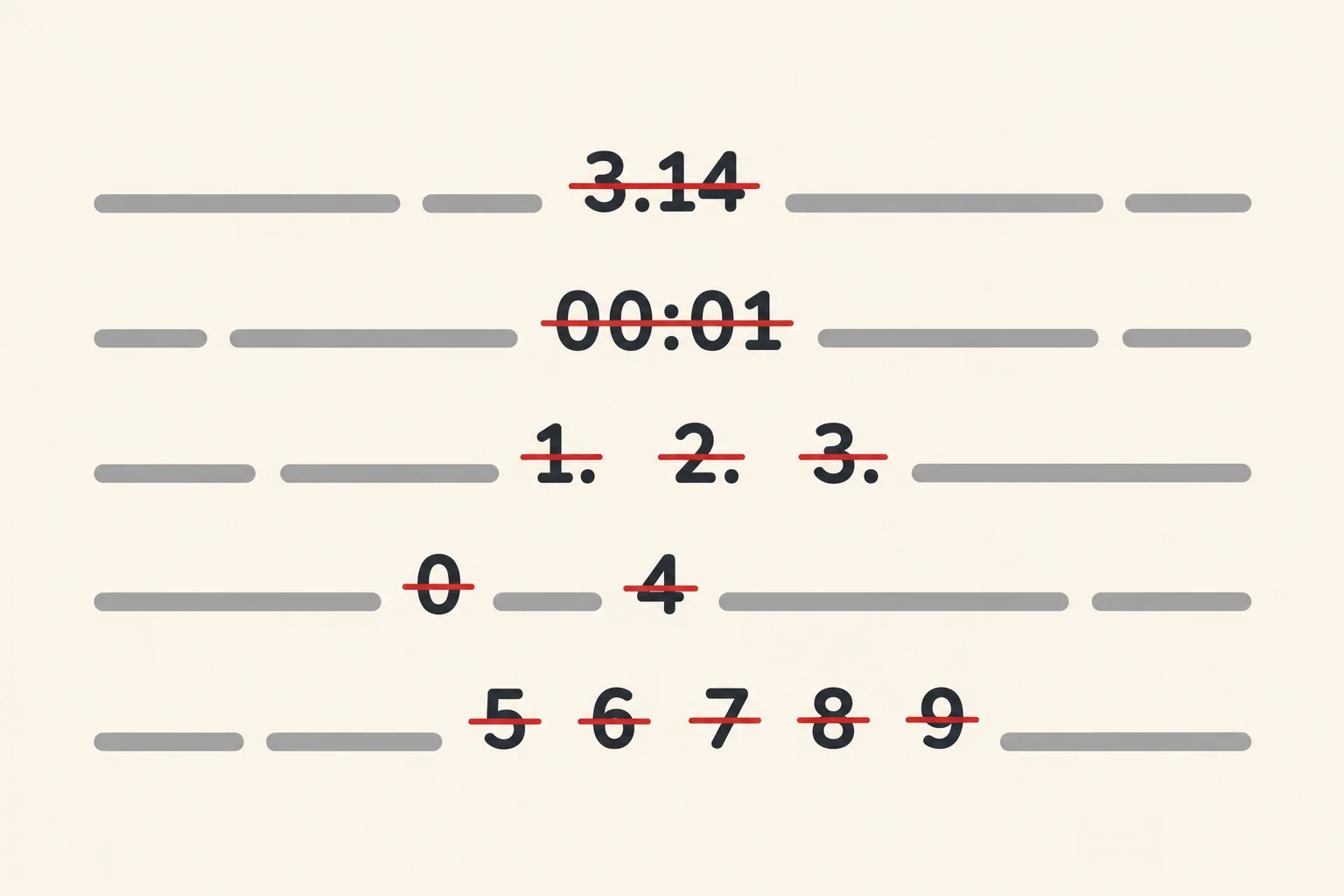
People who want to remove numbers from text rarely want the same thing. Some need every digit gone: timestamps in transcripts, volume columns in keyword exports, IDs in scraped lists. Others need the numbers that stand alone gone while codes like A4, MP3, and v2.0 survive. And many just need the 1. 2. 3. numbering scrubbed off a list that was pasted from Word. This site gives each job its own mode instead of one silent guess.
The boundary is published, not hidden. A number here is any Unicode digit plus the separators between digits, so 3.14, 1,000, 2024-25, and 9:30 each go as one token, while the dot in a list marker belongs to the punctuation sibling. When you remove numbers this way, every strike is accountable in the Removed tab with its rule.
The same transcript-style sample through every mode. Red spans in the original are what leaves; each result below is the engine output, not a mockup.
00:01 Speaker one: Q3 revenue hit $2.4M (up 3.5%), across 1,250 deals.
1. First follow-up
2) Second follow-up
Ship v2.0 on 11/14 at 9:30.
Speaker one: Q revenue hit $M (up %), across deals.
. First follow-up
) Second follow-up
Ship v on at .
Speaker one: Q3 revenue hit $2.4M (up %), across deals.
. First follow-up
) Second follow-up
Ship v2.0 on at .
Speaker one: Q3 revenue hit $2.4M (up 3.5%), across 1,250 deals.
First follow-up
Second follow-up
Ship v2.0 on 11/14 at 9:30.
Notice how All numbers leaves the dot of the first marker and the paren of the second: those marks have no digits around them, so they belong to the Punctuation Remover. List numbering takes the whole marker, spaces included.
Live outputs from this site, one row per pattern. Red cells changed under that mode; muted cells passed through.
| Pattern | Example | All numbers | Standalone numbers | List numbering |
|---|---|---|---|---|
| Plain integers | Room 101 and 7 seas | Room and seas | Room and seas | Room 101 and 7 seas |
| Decimals and thousands | Pi is 3.14, cap 1,000 | Pi is , cap | Pi is , cap | Pi is 3.14, cap 1,000 |
| Ranges, times, dates | FY 2024-25 at 9:30 | FY at | FY at | FY 2024-25 at 9:30 |
| Codes glued to words | A4 paper and v2.0 | A paper and v | A4 paper and v2.0 | A4 paper and v2.0 |
| List marker lines | 1. First item | . First item | . First item | First item |
| Transcript timestamps | 00:01 Hello there | Hello there | Hello there | Hello there |
| Letters, CJK, marks | abc 中文 ?! | abc 中文 ?! | abc 中文 ?! | abc 中文 ?! |
| Spacing after removal | code 7 ready | code ready | code ready | code 7 ready |
Separators (. , apostrophe - : /) join a number only between two digits, so 3.14 and 1,000 travel whole. An edge mark, like the dot after a list number, is punctuation and stays unless you pick List numbering. The same spacing rules as the Punctuation Remover keep joins clean when you remove numbers, and never double a space.
Paste into the left pane or open one .txt file up to 1 MiB. Nothing leaves your browser, and the original never moves.
All numbers for every digit, Standalone numbers to spare codes like A4, List numbering to scrub markers only. The Removed tab previews every strike before you commit.
Read the result on the right, copy it to your clipboard, or download a UTF-8 .txt. Switch modes any time; the input stays intact.
The three demand pockets this number remover was shaped against, straight from the jobs people bring when they remove numbers.
Interview and call transcripts open every line with a time token. Time-shaped numbers count as markers, so List numbering clears whole lines while keeping every word.
00:04 Speaker: we shipped 3 features
Spreadsheet and tool exports arrive as word-plus-number rows. All numbers deletes the volume columns, tokens whole, without mangling the words around them.
best text cleaner 2400 3.2 17
Lists pasted from Word or email carry 1. 2. 3. markers that renumber badly everywhere else. List numbering strips markers and their spaces in one pass.
1. alpha 2) beta 3 - gamma
Paste your text into the tool on this site, choose a mode, and click Remove numbers. The result appears beside the original, and the Removed tab lists every number that left, with the rule that took it. Copy or download the clean text; the input is never overwritten. Free, no login, and everything runs in your browser.
Any Unicode digit, plus the separators that sit between digits: the dot in 3.14, the comma in 1,000, the hyphen in 2024-25, the colon in 9:30, and the slash in 11/14. Each of those travels as one token and leaves whole. A mark with digits on only one side, like the dot in a list marker, is punctuation; the Punctuation Remover owns it. Keeping only the numbers is the inverse job, which this tool does not do.
In Standalone numbers mode, yes. A number survives when a letter is glued to either side, so A4, MP3, v2.0, and COVID19 stay, while iPhone 15 loses the 15 because a space separates it. All numbers mode removes every numeric token, glued or not; the choice is yours, and the boundary table above shows both outcomes per pattern.
Pick List numbering. The tool strips line-leading markers, meaning a digit token plus an attached dot or closing paren, a bare time token, or a token with a spaced dash, together with the whitespace that follows. Lines like 1. alpha, 2) beta, and 3 - gamma come out as alpha, beta, gamma. Prose years and dates at a line start, such as 2024 was, are left alone because they are not markers.
The same spacing rules the Punctuation Remover uses. A removal between two words joins them with the padding cleaned up; a removal next to a space swallows one neighboring space; a removal at a line edge takes its padding with it. Typed spacing otherwise survives untouched, and the tool never introduces a doubled space.
Yes, and transcripts are a first-class use case. Times like 00:01 are time-shaped tokens, so List numbering removes them line by line, and All numbers removes every time anywhere, including inside sentences. When you remove numbers from transcripts this way, the words and speaker labels stay put. The use case cards above show both results on a real sample.
In-place formulas are the painful route: SUBSTITUTE nests, flash fill guesses, and Word find and replace chokes on mixed cells. Paste instead. Copy the column or document into this site, remove numbers here where every strike is visible, then paste the clean text back. The paste workflow is faster to verify and impossible to get silently wrong.
Free with no account, and private by construction: processing runs entirely in your browser, so your text is never uploaded, stored, or logged. The only network traffic is the site loading itself. Close the tab and nothing remains.
For Word and Docs formatting controls, read the formatting guide.
Need the marks gone too? The Punctuation Remover strips every sign without touching a single digit.Dashes in ranges like 2024-25? The Em Dash Remover converts dash families instead.Roman numerals in the text instead? The Roman Numeral Converter translates them to numbers and back.Need a full format cleanup? The homepage tool strips rich formatting of every kind.