
01
Plain text
Removes the URL of every link and image and keeps the words. Best for email, chat, and any field where a raw address is noise.
[docs](https://example.com) becomes docs
Markdown to text conversion that happens in your browser: paste Markdown, pick what happens to link URLs, and copy clean plain text. Free, no login, nothing leaves your device.
Indented code blocks (four leading spaces) are treated as ordinary text, HTML entities such as & are kept exactly as written, and blank lines are preserved rather than collapsed. List markers stay as readable text; use the Line Break Remover to flatten them. Nothing in your text is uploaded.
How this site handles dataOne rule per construct, and the rule is the same for your text and for this table: the markdown to text behavior below is the exact behavior of the tool above, pinned by this site's automated tests.
| Construct | You paste | Plain text output | Keep link URLs output |
|---|---|---|---|
| Heading | ## Release notes | Release notes | Same output |
| Bold | **ship it** | ship it | Same output |
| Italic | *wow* | wow | Same output |
| Bold + italic | ***both*** | both | Same output |
| Strikethrough | ~~gone~~ | gone | Same output |
| Inline code | `v2.1` | v2.1 | Same output |
| Fenced code block | ```json … ``` | … kept verbatim | Same output |
| Link | [docs](https://x.dev) | docs | docs (https://x.dev) |
| Image |  | logo | Same output |
| Autolink | <https://x.dev> | https://x.dev | Same output |
| Reference link | [docs][d] with [d]: url | docs | docs (url) |
| Bullet list | - item | - item (marker kept) | Same output |
| Task list | - [x] done | - done | Same output |
| Blockquote | > quoted | quoted | Same output |
| Horizontal rule | --- | (line removed) | Same output |
| Table | | a | b | + delimiter row | a | b | Same output |
| HTML tag | <b>bold</b> | bold | Same output |
| Escaped character | \*not emphasis\* | *not emphasis* | Same output |
Emphasis follows CommonMark flanking rules, so underscores inside words like snake_case_here are never treated as italics. Setext headings (a title underlined with ===) convert like ATX headings.
A launch note run through the markdown to text converter in both modes. Red marks the Markdown syntax the converter removes; every word survives.
Launch checklist Ship v2.1 of the onboarding flow by Friday. - x] Draft the release noteshttps://example.com/notes - ] Ping #launch on Slack - Hide the old banner behind a flag Blockers? Reply in thread. Area Owner Status --- --- --- Web Remond Ready json { "version": "2.1.0" } See the style guide]guide] first. guide]: https://example.com/style
Launch checklist

Ship v2.1 of the onboarding flow by Friday.

- Draft the release notes
- Ping #launch on Slack
- Hide the old banner behind a flag

Blockers? Reply in thread.

Area | Owner | Status
Web | Remond | Ready

{ "version": "2.1.0" }

See the style guide first.Launch checklist
Ship v2.1 of the onboarding flow by Friday.
- Draft the release notes (https://example.com/notes)
- Ping #launch on Slack
- Hide the old banner behind a flag
Blockers? Reply in thread.
Area | Owner | Status
Web | Remond | Ready
{ "version": "2.1.0" }
See the style guide (https://example.com/style) first.The sample above is marked for reading; the tool itself never modifies your input until you convert.
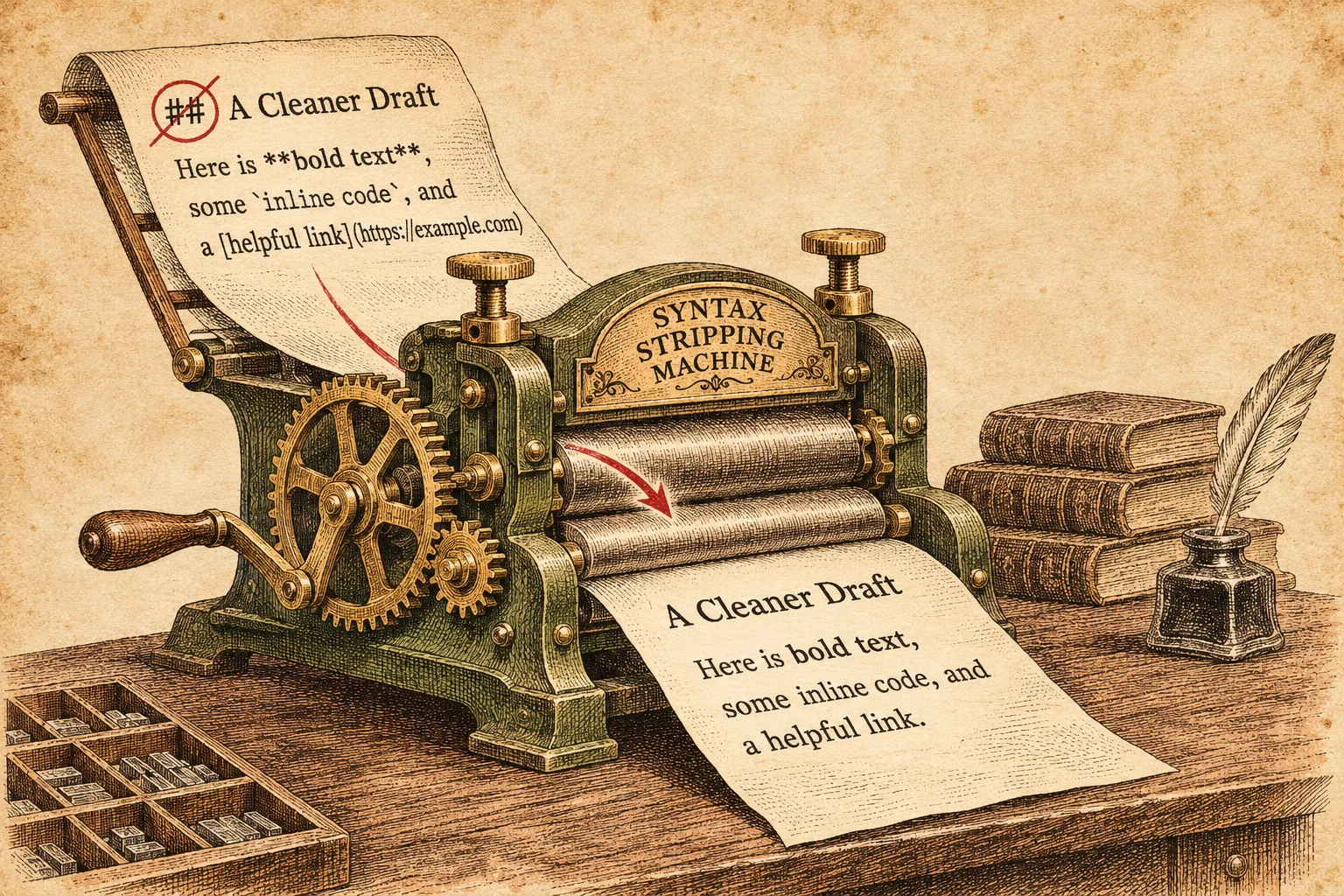
Markdown to text conversion means removing the syntax layer, the hashes, asterisks, backticks, and brackets, while keeping every word you wrote. Email clients, CMS fields, and spreadsheets do not render Markdown; they show it raw, so a tidy AI answer turns into a wall of symbols the moment you paste it.
This site's converter keeps the structure readable: headings stay on their own lines, list markers stay, code block content is kept verbatim, and links follow the mode you pick. When the result also needs hidden characters gone, run it through the AI Text Cleaner.
Paste Markdown, or open one .md, .markdown, or .txt file up to 1 MiB. The file is read in your browser and never uploaded.
Plain text drops URLs and keeps the link words. Keep link URLs writes each link as text (URL). Switching modes after converting recomputes the result from your original input.
Copy the plain text into any field, or download it as a .txt file. The Removed tab shows every character that was stripped, in place.
In markdown to text conversion, everything except links behaves identically in both modes. The one real choice is what happens to URLs.
01
Removes the URL of every link and image and keeps the words. Best for email, chat, and any field where a raw address is noise.
[docs](https://example.com) becomes docs
02
Writes each link as text (URL) so addresses survive the conversion. Best for notes and archives where links must stay usable.
[docs](https://example.com) becomes docs (https://example.com)
Open the .md or .markdown file in the tool above with the Open file button, choose a link mode, and press Convert to text. Download .txt saves the result as a UTF-8 text file. Files up to 1 MiB are read locally in your browser; nothing is uploaded.
It depends on the mode. Plain text keeps the link words and removes the URL, so [docs](https://example.com) becomes docs. Keep link URLs writes the same link as docs (https://example.com). Images keep their alt text and always drop the file address in both modes.
Copy the answer, paste it into the tool, and convert with Plain text mode. AI answers arrive full of heading hashes, bold asterisks, and backticks, which is exactly what this converter removes. If the text also contains hidden characters or curly punctuation, run it through the AI Text Cleaner afterward.
Markdown is a writing format that marks structure with ordinary characters: # for headings, ** for bold, - for list items. Plain text carries none of those marks, just the words. A markdown to text converter deletes the marks and keeps the words, which is what this tool does in your browser.
Fenced code blocks keep their content verbatim; only the fence lines are removed. Table rows survive with pipes turned into text separators, and the alignment row is dropped. Indented code blocks (four leading spaces) are an exception: they are treated as ordinary text so list content is never mangled.
No. The conversion runs entirely in your browser with JavaScript, and opened files are read locally. No text, paste, or file content is sent to a server. Site analytics, if enabled, track page visits, never your text.
Not directly. This tool outputs plain text, which you can copy into Word or Google Docs and format there. Rich text and document conversion, with live bold and headings, is a different job than plain text extraction and is outside what this site does.
Libraries like Python's markdown package or npm's markdown-to-text run in your own code and fit pipelines. This tool fits the moments in between: no install, no script, just paste and copy. For one-off markdown to text jobs in a browser it is the faster path; for automation, use the library.
For Word and Docs formatting controls, read the formatting guide.
Hidden characters left after the conversion? The AI Text Cleaner removes zero-width spaces and curly punctuation.Outline uses Roman numerals like iv and viii? The Roman Numeral Converter reads them into numbers.Pasting from Microsoft Word instead of a Markdown file? Remove formatting in Word clears smart quotes, list numbers, and styles in one run.Raw HTML source is a different job: the HTML to Text Converter strips the tags and decodes the entities that stay written here