
HTML to Markdown
HTML to Markdown conversion that runs in your browser: paste raw markup or a copied page, press convert, and copy clean Markdown. Headings, links, lists, tables, and code become Markdown syntax; inline styles, script blocks, and tracking URLs never make the trip. Free, no login, nothing uploads.
What the converter does not do
The converter parses markup, not rendered pages: content that JavaScript builds never existed in the source, so it cannot appear. Setext underlines (a line of === under text) are not escaped, colspan and rowspan collapse into ordinary cells, and tables nested inside cells lose their inner rows. The output is Markdown, not sanitized HTML.
How this site handles dataPaste HTML, get Markdown: a full page, converted
A real page export run through the html to markdown engine. The after card is the converter's actual output, and the four decisions it made on this exact input are listed below.
<!DOCTYPE html>
<html lang="en">
<head>
<meta charset="utf-8">
<title>Soil Report - March</title>
<style>body{font:16px Georgia}</style>
<script>window.dataLayer=window.dataLayer||[];</script>
</head>
<body>
<nav><a href="/">Home</a> | <a href="/archive">Archive</a></nav>
<h1>Soil Report</h1>
<p>Notes from the March survey & the <strong>full lab data</strong>, reproduced in <code>batch 12</code> at 2 * 3 scale.</p>
<h2>What we measured</h2>
<table><tr><td>Plot</td><td>pH</td></tr><tr><td>North</td><td>6.2</td></tr><tr><td>South</td><td>5.8</td></tr></table>
<p>Method details in <a href="https://lab.example.com/report?utm_campaign=soil&utm_source=news&id=77">the lab writeup</a>.</p>
<blockquote><p>Correlation is not causation.</p></blockquote>
<ul><li>Moisture first</li><li>pH second</li></ul>
<p><img src="https://cdn.example.com/plot.png" alt="Plot map"></p>
<!-- footer -->
<footer><p>© 2026 Soil Report</p></footer>
</body>
</html>[Home](/) | [Archive](/archive) # Soil Report Notes from the March survey & the **full lab data**, reproduced in `batch 12` at 2 \* 3 scale. ## What we measured | Plot | pH | | --- | --- | | North | 6.2 | | South | 5.8 | Method details in [the lab writeup](https://lab.example.com/report?id=77). > Correlation is not causation. - Moisture first - pH second  © 2026 Soil Report
- 1
The table has no <th> row, so the first row becomes the header. Markdown pipe tables require one; the trade-off is stated, not hidden.
- 2
utm_campaign and utm_source came off the lab link. It lands as .../report?id=77, clean for notes and chat pastes.
- 3
The literal * in "2 * 3" escaped to \* so it stays text wherever the Markdown lands.
- 4
The style block, the dataLayer script, and the footer comment produced nothing at all.
Both cards and all four decisions come from the same html to markdown engine the workbench uses. Nothing on this page is hand-written.
HTML to Markdown, ready for where you paste it
Paste your markup into the html to markdown workbench and the html to md result drops straight into Notion, ChatGPT, a README, or any CMS: an h2 becomes ##, bold becomes **bold**, links keep their URLs in [text](url) form, and lists, blockquotes, and pipe tables survive intact. Everything computes in your browser tab; the input never leaves it.
The parser reads markup the way a browser does: script and style blocks drop whole, Outlook conditional comments vanish, and about a hundred character references such as & and decode to the characters they stand for. It is the same parsing lineage as the site's HTML to text converter, pointed at Markdown syntax instead of plain text.
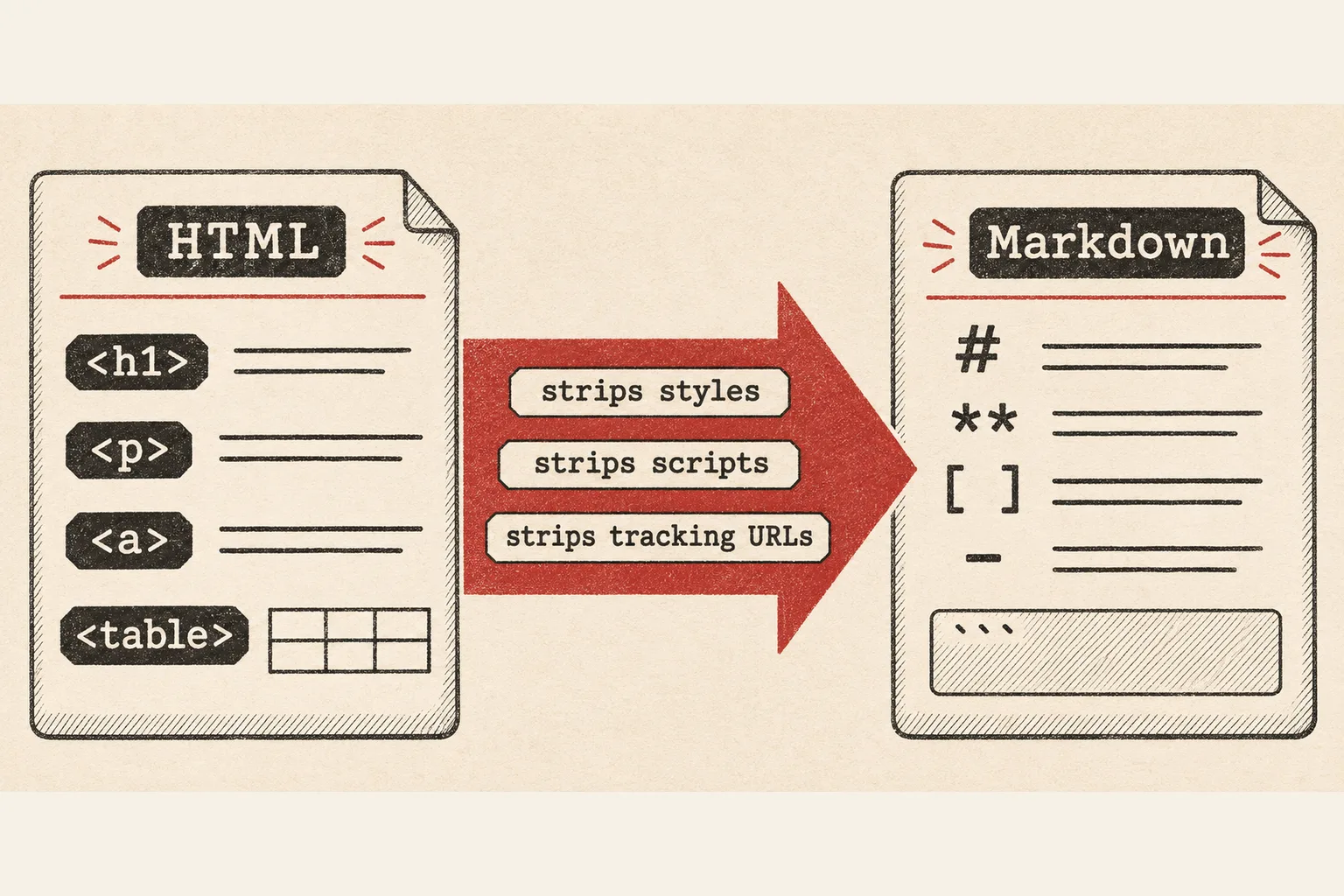
What each tag becomes
Fifteen constructs, converted live by the same engine as you read. When you convert HTML to Markdown here, these are the exact rules the output follows.
Heading
<h2>Field notes</h2>## Field notes
Bold
<strong>full lab data</strong>**full lab data**
Italic
<em>one reader</em>*one reader*
Strikethrough
<del>old price</del>~~old price~~
Link
<a href="/report?id=7">the writeup</a>[the writeup](/report?id=7)
Image
<img src="/plot.png" alt="Plot map">
Bulleted list
<ul><li>Moisture</li><li>pH</li></ul>- Moisture - pH
Numbered list with start
<ol start="3"><li>Third</li></ol>3. Third
Blockquote
<blockquote><p>Quoted line</p></blockquote>> Quoted line
Code block with language
<pre><code class="language-py">x = 1
</code></pre>```py x = 1 ```
Inline code
<code>npm run build</code>`npm run build`
Pipe table
<table><tr><th>Plot</th><th>pH</th></tr><tr><td>North</td><td>6.2</td></tr></table>| Plot | pH | | --- | --- | | North | 6.2 |
Hard break
<p>Cheers,<br>The team</p>Cheers, The team
Horizontal rule
<hr>---
Literal asterisk
<p>2 * 3 = 6</p>2 \* 3 = 6
Never survives the conversion
Converter questions, answered straight
Is my HTML uploaded anywhere?
No. The html to markdown conversion runs in your browser tab, the way the rest of this site works. Nothing uploads, nothing logs, and the input box clears when you close the page.
What happens to a table without a header row?
Markdown pipe tables require a header line, so a table with no <th> promotes its first row to be the header. When real headers exist, their align attribute carries into the separator row (---, :---:, ---:).
Why does my output contain backslashes?
A backslash protects a literal character that Markdown would otherwise misread: 2 * 3 becomes 2 \* 3 so the asterisk stays visible after pasting. Characters Markdown ignores, like the # in #hashtag or the < in a < b, pass through untouched.
Can I paste the result into Notion or ChatGPT?
Yes, that is the job. The html to markdown output pastes into Notion as real headings, bold runs, lists, and tables, and ChatGPT renders the same syntax in chat. The escaping above is what keeps your literal text literal in both places.
Can it convert a URL, or an email built with layout tables?
It cannot fetch pages, so copy the source (or the rendered text) and paste it here. Layout-table emails become one wide pipe table row, because that is honestly what the markup says. If you want plain text from an email instead, the HTML to text converter handles that job.
Which way does Markdown to HTML go?
This page owns the html to markdown direction only. Markdown to Text strips Markdown down to plain text, and HTML to Text turns raw markup into plain text. Between the three, every direction of the markup-to-text loop is covered.
New to markup cleanup? The guide to removing formatting from text walks the whole family.
Going the other way? Markdown to Text strips Markdown down to plain text.Need plain text instead of Markdown? HTML to Text removes the tags entirely.Cleaning pasted text from any app starts at the homepage Format Remover.